Explain First
Topics are introduced with simple language, examples and clear learning outcomes.
Our teaching method combines concept explanation, live demonstration, lab practice, assignments, mentoring and assessment so every student learns computer skills with confidence.
Topics are introduced with simple language, examples and clear learning outcomes.
Students work directly on computers through guided lab tasks and exercises.
Assignments, viva, practical tests and revision sessions track learning progress.
Teaching is planned around real computer use. Students do not only listen to lessons; they practise, submit work, revise mistakes and complete tasks that improve confidence.
Every topic starts with fundamentals, simple examples and daily-use applications so students understand why a tool or command is used.
Faculty demonstrate software, coding logic, documents, spreadsheets and online tools before students repeat the same process themselves.
Lab time is used for typing, office tools, programming, web pages, accounts software and practical assignments.
Faculty monitor individual progress, solve doubts and support slow learners with revision and extra practice.
Students submit written and practical work to build discipline, accuracy and exam readiness.
Regular tests, viva, task completion and feedback help students see where they are improving and what needs more practice.
Each lesson moves from explanation to real output, so students leave class with visible work and measurable progress.
Faculty explains what the student will learn and where it is used.
Teacher demonstrates the topic live on computer or projector.
Students repeat the task in lab with step-by-step support.
Mistakes are checked and explained through individual feedback.
Assignment, viva or practical test confirms the learning outcome.

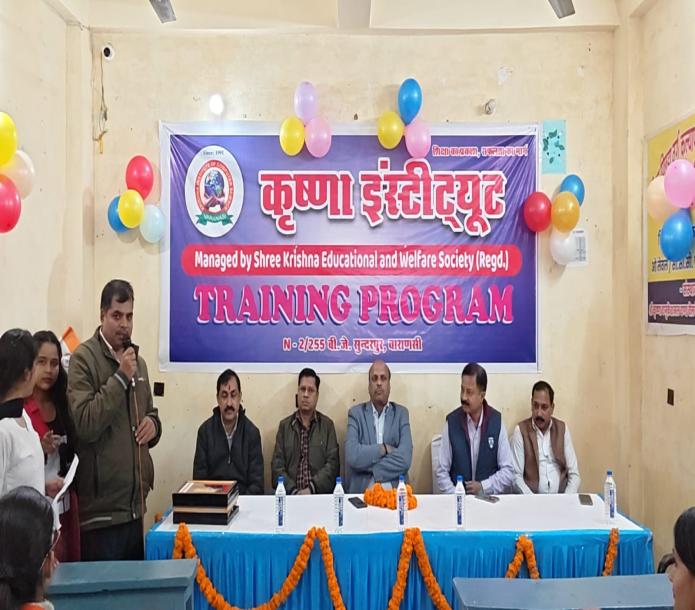
Students are guided through theory, software practice, project work and exam preparation. The focus is to make every learner comfortable with computers, not just complete a syllabus.
CBOSE public academic references highlight inclusive learning, practical examination standards, internal assessment and digital resources. Our methodology follows the same spirit through flexible, skill-based and learner-focused support.
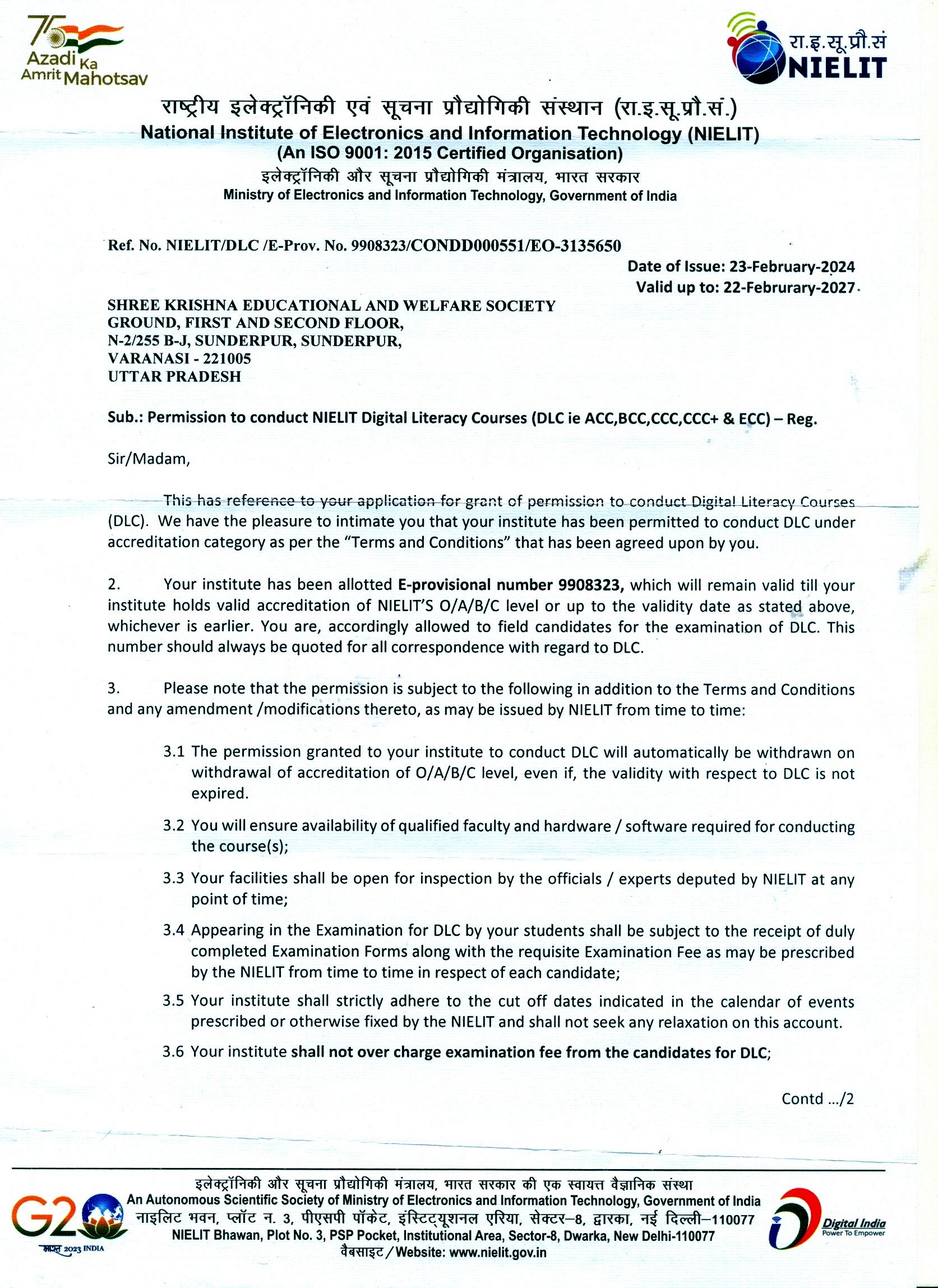
Institute PDF records mention permission for DLC courses such as ACC, BCC, CCC, CCC+ and ECC, supporting structured digital learning.
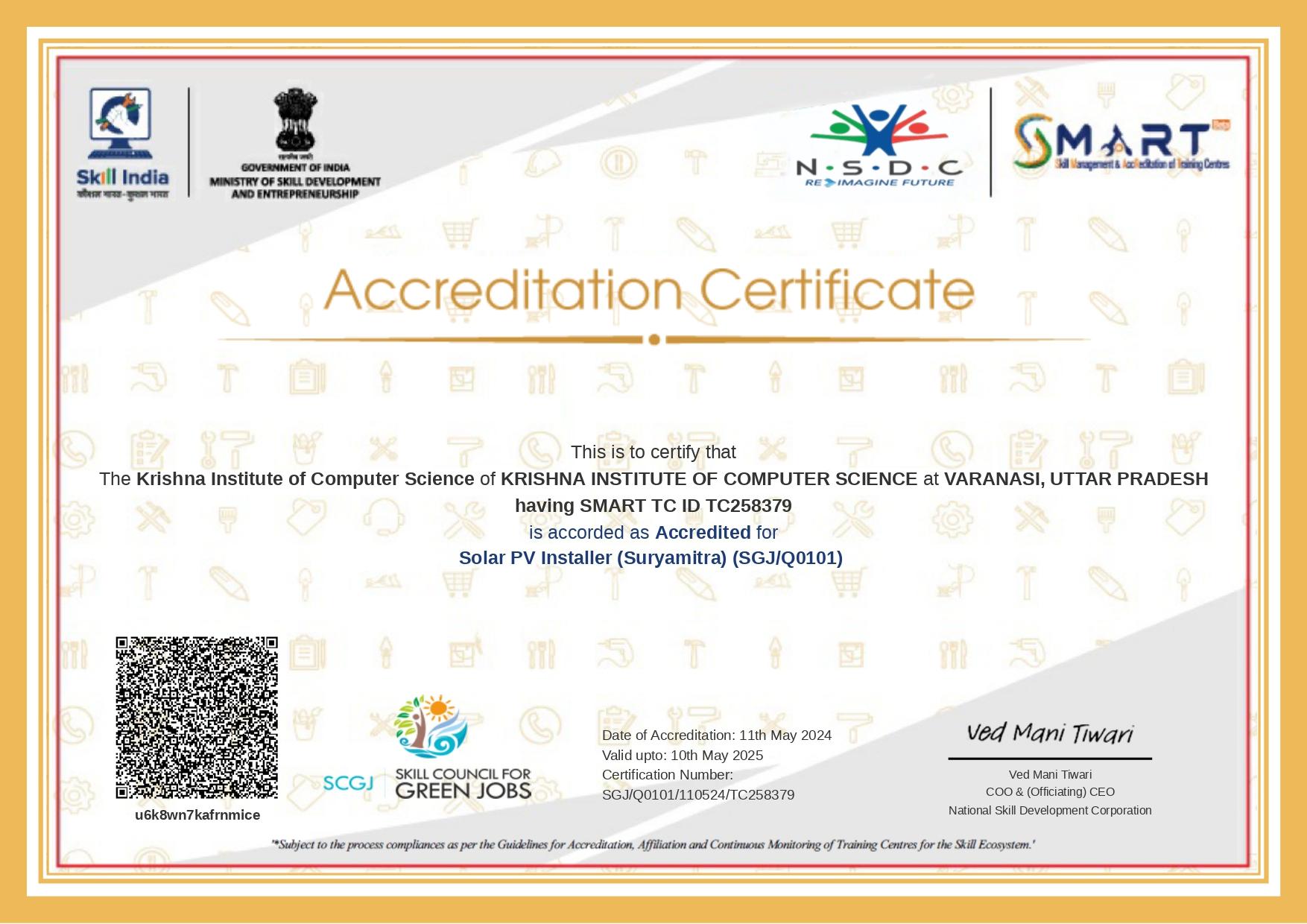
NSDC SMART documentation in the PDF supports the institute's focus on practical, skill-based training and employability.
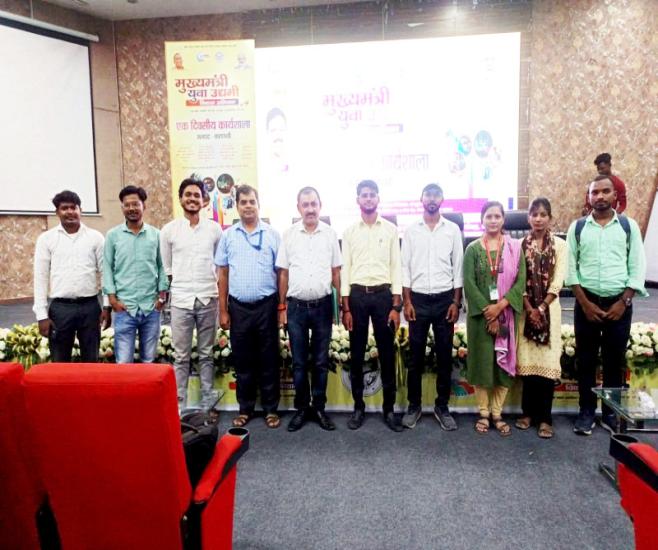
Open schooling ideas encourage learner access, flexible support, digital resources, practical assessment and competency building.